MASST Dashboard Overview
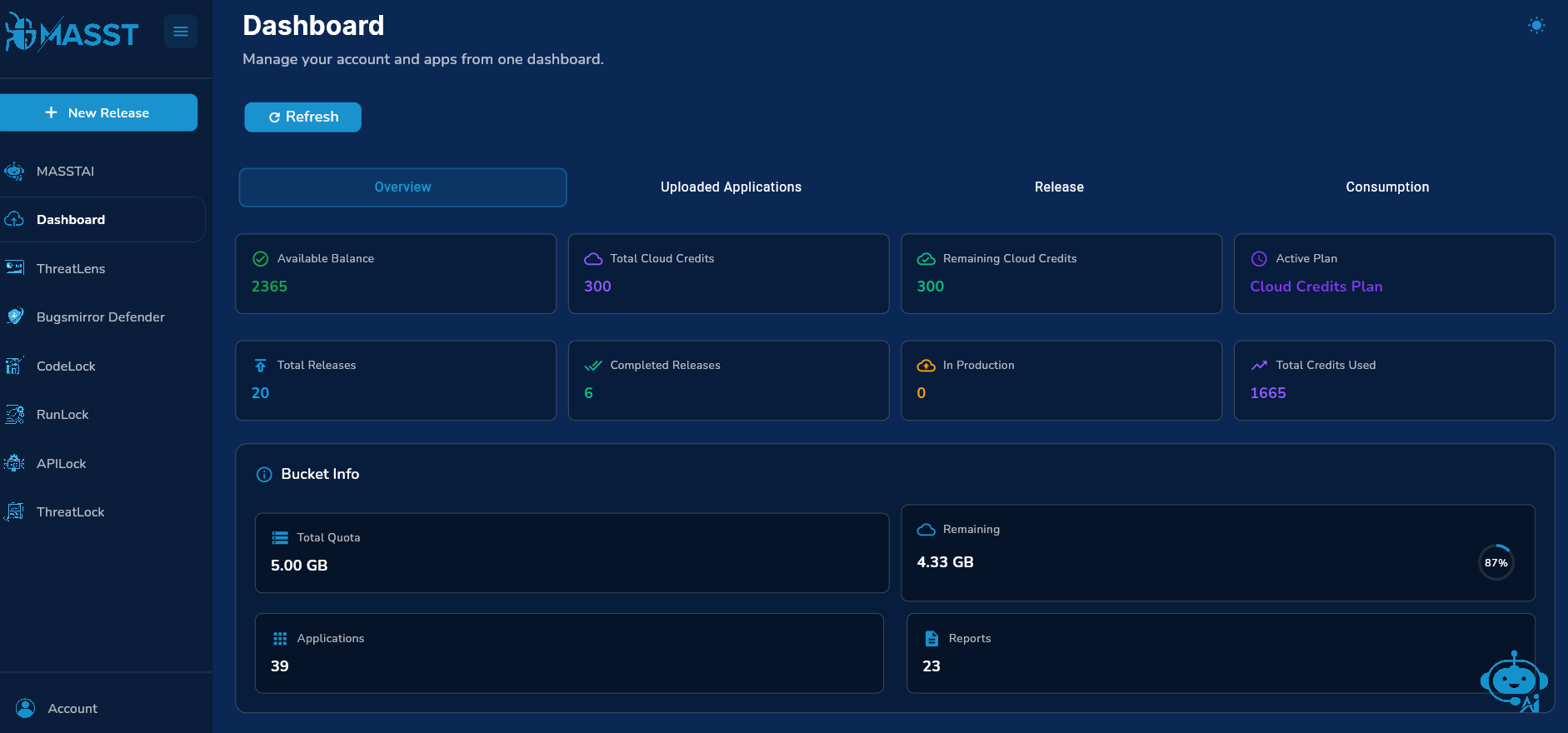
The MASST Dashboard provides a centralized view of your account and application activity. It includes:
- Active Plan
- Total Credits
- Used Credits
- Total Releases
- Reports
- Uploaded Applications
View Uploaded Applications History
- Navigate to the Uploaded Applications tab.
- View all applications added to the dashboard.
- Check details such as:
- Total number of applications
- Storage used
- Remaining storage capacity
- You can also delete applications directly from this section.
View Total Releases
- Go to the Releases tab.
- Here you can track:
- Total number of releases
- Completed releases
- Total credits used
- Scroll down to view the complete release history.
Monitor Credit Consumption
- Open the Consumption tab.
- Review key details such as:
- Available balance
- Total cloud credits
- Remaining credits
- Active plan
- Credits consumed per release